On The Mend · App Comparisons
Do You Need a No-Contact App, Or Will the Notes App Work?

You can absolutely track no-contact in the Notes app, and for some breakups that is the entire correct answer. Write the date you started, count days, done. The Notes app is free, private, requires no setup, and doesn't ship your breakup to any cloud you didn't choose. Where it falls apart: it doesn't help you at 2:47 AM when your thumb is two inches from his name. There's no streak in your face, no friction at the impulse moment, no replacement behavior to do instead. If your no-contact is going smoothly, Notes is enough. If you're white-knuckling it and almost-texting twice a week, you need something that interrupts you, not something that just records you.
The case for the Notes app
I want to take this seriously, because most articles asking "do you need this app or that one" are written by people selling an app, and they treat the no-app option like a joke.
The Notes app has real advantages.
- It is free. Forever. No paywall on day three. No subscription that you forgot to cancel.
- It is private. Notes live on your phone (and your iCloud if you've enabled it, which is also end-to-end encrypted by default for most users on modern iOS). No third-party server sees what you wrote.
- Zero setup. It's already on your phone. You don't have to install or onboard or pick a username.
- No notifications you didn't ask for. No app pinging you with "feeling lonely tonight?" reminders that come at exactly the wrong time.
- It is yours forever. Even if iOS changes, even if you switch ecosystems, you can export the notes. Some apps die and take your data with them.
- It will not become annoying. Apps designed for engagement want you to open them every day. Notes does not care if you open it.
For some breakups — clean break, mutual, low intensity, you just want a tidy day count — Notes is honestly the better tool. You don't need a voice agent for a breakup you're already over.
How to actually do the Notes-app approach
Here is the version that works.
- Make a note titled "No contact." Pin it.
- Write the start date. First line: "Started: May 25." That's it for the header.
- Each morning, write one line. Today's date and the day number: "May 28 — Day 4." Optionally a one-sentence feeling: "less awful than yesterday." Optionally what you didn't do: "didn't check his Instagram." That is the whole entry. You can do it in 15 seconds while the coffee brews.
- Make a second note titled "unsent." When you want to text him, you open this note and you type the text instead. The whole thing. Save it. Do not send it.
- Every Sunday, re-read the unsent note. You will notice that the texts you wanted to send three Wednesdays ago look unhinged from the calm of a Sunday morning. That noticing is the work.
That setup, done consistently, will get a lot of people through no-contact. I'm not bullshitting you. The first version of what eventually became Chaz was me, doing exactly this, in the Notes app, in 2022.
Where Notes breaks down
Here is where it gets honest. The Notes-app approach has a specific failure mode, and it is not subtle.
The failure mode is the 2 AM moment.
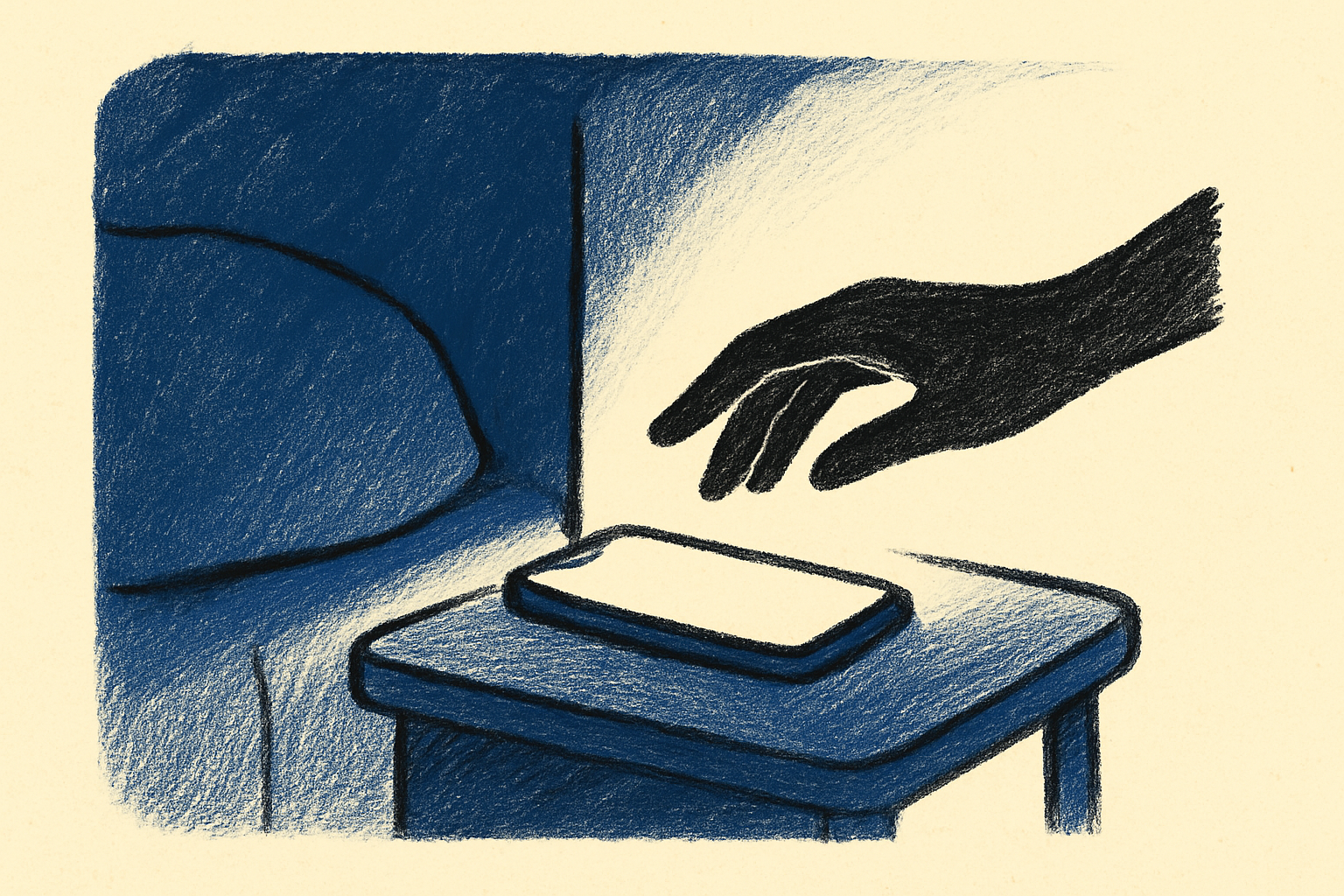
You are not opening Notes at 2 AM. You are not making a tidy daily entry. You are scrolling, you saw something, the urge landed, your thumb is moving toward his name. In that exact moment, the Notes app does literally nothing for you. It is not in your way. It is not on your lock screen. It is not interrupting. It is a passive record-keeping tool, and you are in an active crisis.
The other failure modes:
- No streak visibility. A note saying "Day 11" is in a folder somewhere. The day count is not the first thing you see when you unlock your phone. There is nothing visual to "ruin" by texting him. Streaks work because losing them stings. Notes-app streaks don't sting because they're invisible until you go look at them.
- No replacement behavior. Notes can record. Notes cannot give you something to do. The reason people break no-contact is rarely that they decided rationally to do it. It's that the urge landed and they didn't have a substitute. Notes does not substitute.
- No accountability mechanism. No reminders, no "you made it to day 7, here's day 8," no friction when the urge hits.
- No friend voice. It's just you, alone with your thoughts, writing things down. For some people that's enough. For people who are spiraling, it is not enough.
- No prevention of the spiral. When you are deep in a 30-minute rumination loop at midnight, opening Notes and writing "feeling sad" does not stop the loop. It documents it. There's a difference.
The comparison
| Notes app | Dedicated no-contact app | |
|---|---|---|
| Day count | Yes, manual | Yes, automatic |
| Lock screen visibility | No | Yes (Chaz has a widget) |
| 2 AM interruption | No | Yes (Chaz: voice agent) |
| Replacement behavior | No | Yes (talk, journal, prompts) |
| Streak motivation | Weak | Strong |
| Privacy | High | Varies (check the policy) |
| Cost | Free | Mixed (Chaz is free; others paywall) |
| Setup friction | None | Low (a few taps) |
| Risk of being annoying | None | Some apps over-notify |
A scenario
Imagine two versions of yourself on day 9.
Notes-app you. You're lying in bed. You've been awake for an hour. Your phone is on the nightstand. You roll over and pick it up. You see his name in the recent contacts list. You don't open Notes. You weren't going to. Notes isn't on your lock screen, and even if you opened it, it would just say "Day 9." You stare at his name. You text "hey." Day 9 becomes day 0.
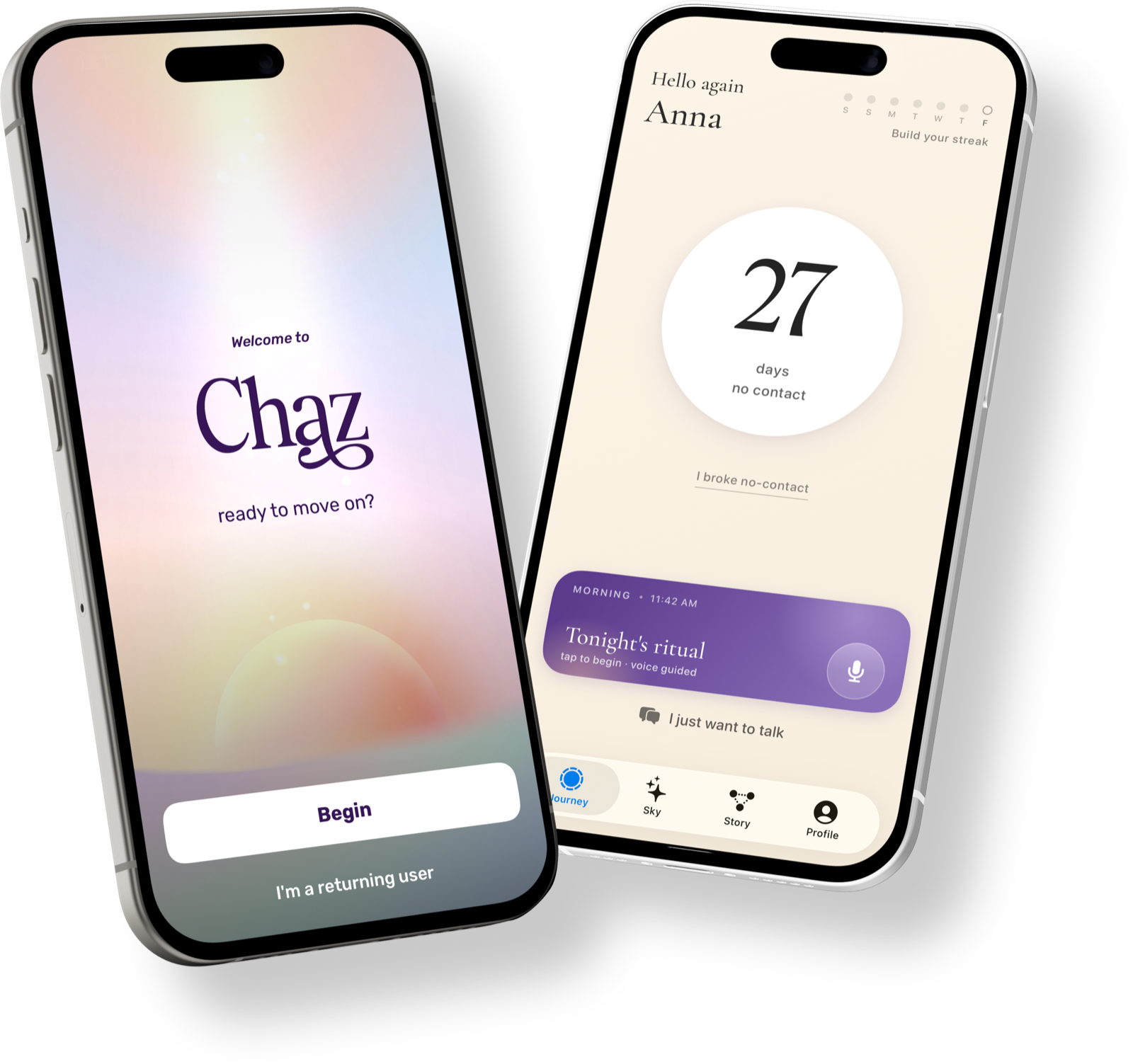
No-contact-app you. Same situation. You roll over, you unlock the phone, and the first thing you see — before the Messages app, before the home screen, before his name — is the widget that says "Day 9." There's a button under it that says "talk to Chaz." You hit it. You spend two minutes saying "I just really want to text him." A voice agent says something that makes you laugh. You put the phone down. Day 10 starts in two hours.
The difference between those two scenes is not motivation. It's not willpower. It's not even self-awareness. It's whether or not the app was in your way at the exact moment it needed to be.

Why the streak matters more than the journal
Here's something I learned building this. People assume the journal is the most important feature of a no-contact app. It's not. The journal is the second most important feature. The most important feature is the visible day count in the moment you're tempted to break it.
This is what behavior-change research tells us repeatedly. James Clear popularized it. BJ Fogg's behavior model formalizes it. Wendy Wood's habit research at USC) confirms it. People do not change behavior by deciding to be better. They change behavior by changing what's in front of them at the moment of choice.
Notes doesn't change what's in front of you. It records what already happened.
When to use Notes anyway
If any of these are true, the Notes app is genuinely fine.
- You're not having impulse-contact urges. You just want a tidy day count.
- You hate apps and want one less.
- You're privacy-paranoid and don't want to install any third-party app for this.
- You've already done no-contact successfully and just want to track another stretch.
- You're between phones, or you're on Android and Chaz isn't available to you anyway.
- You have a strong existing journaling practice and you don't need a new home for the thoughts.
- You are by nature a list-maker who finds satisfaction in tidy spreadsheets and structured notes. (You know who you are.)
For these people, opening this article expecting "yes you need an app" and walking out with "actually Notes is fine for you" is the honest answer.
When to install a real app
If any of these are true, Notes is not enough.
- You've almost-texted your ex more than once a week.
- You've actually-texted your ex and regretted it.
- Your worst moments are at night, in the dark, in bed.
- You feel like you need to talk to someone but it's 2 AM and your friends are asleep.
- You have tried Notes for a week and you can already feel that it isn't going to be enough.
- You want a streak that you can see without having to go look for it.
For these people, Chaz was specifically built. It is iPhone, it is free, the voice agent is the differentiator, and the lock screen widget is the thing that does the actual work.
Or use any of the other no-contact apps on the market. The point isn't the brand. The point is that you need something that's louder than your impulse, and Notes is quieter than your impulse.
The honest bottom line
The Notes app is not a worse no-contact tracker than a real app. It's a different tool for a different user.
If you are calm, structured, and you mostly want to count days, use Notes. You don't need anything else.
If you are spiraling, white-knuckling, almost-texting, then Notes is not enough. Not because the Notes app is bad, but because writing things down does not interrupt the impulse to send things. You need an app that gets in your way.
Either way, the worst option is no system at all. Right now, before you close this tab, do one of two things. Open Notes and create the "No contact" note with today's date. Or install Chaz. Pick one. Future-you at 2 AM is not going to be deliberating between options.