On The Mend · Tactical
How to Block Your Ex on Every Platform

To block your ex on every platform, you have to think beyond the obvious three (phone, Instagram, TikTok) and hit every platform where their content, profile, or activity could surface for you. That includes payment apps, music services, fitness trackers, location sharing, dating apps, and the gaming and reading platforms most people forget. Here's the 10-step block checklist with where-to-tap specificity, including the platforms that get people six weeks in.
Block, don't just unfollow or mute
Three levels of separation. Only one of them actually works.
- Mute. Hides their content from your feed. You can still see them by visiting their profile. Doesn't work for more than a few days.
- Unfollow. Removes them from your feed but their profile is still searchable. Works only if their account is private.
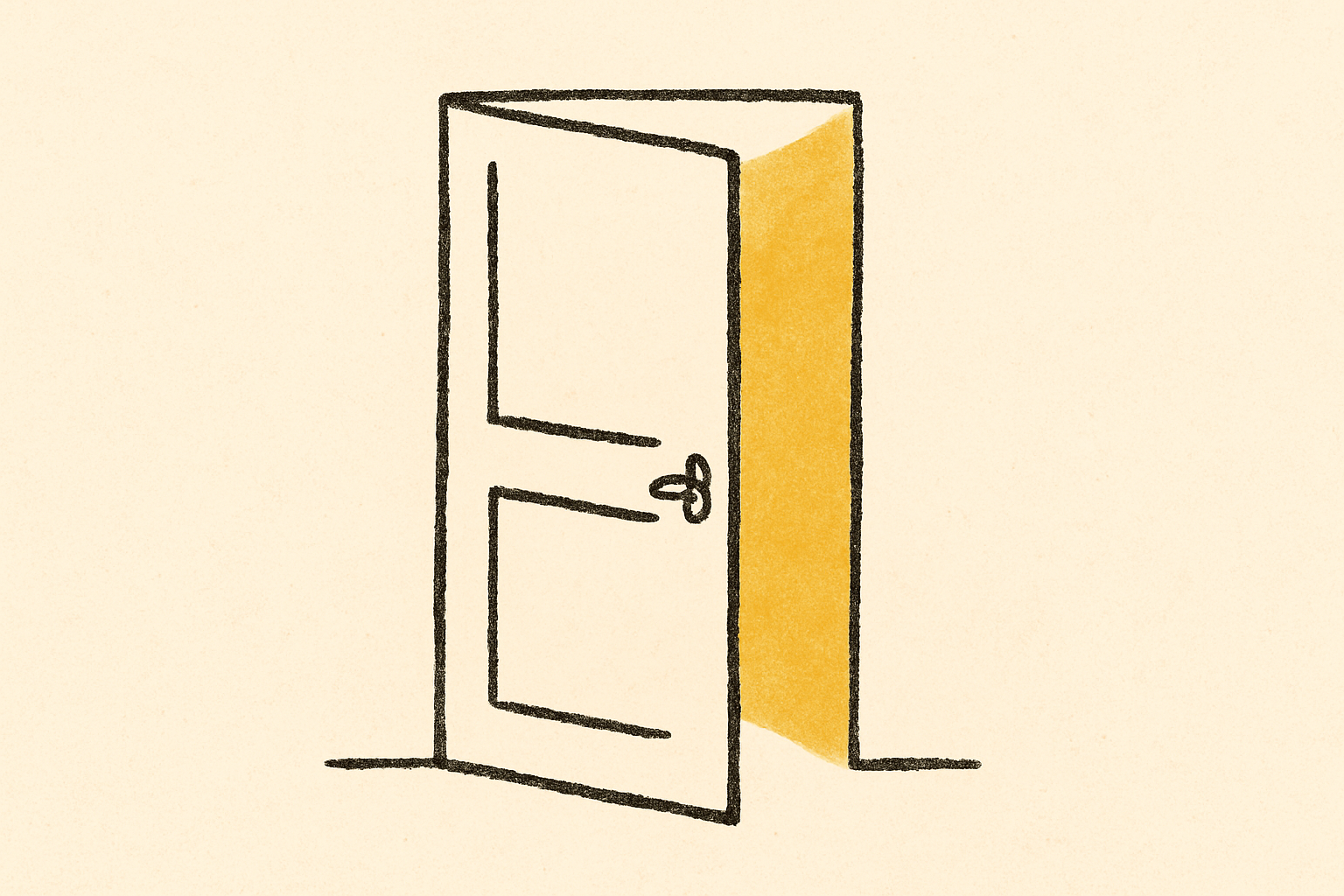
- Block. Closes the door. You can't see them, they can't see you, their content doesn't load even through mutual friends.
The whole post assumes you're doing the block version. If "blocking feels too dramatic" — that's the point. The thing you're trying to stop doing is, in fact, dramatic.
Set aside 30 minutes. Coffee, headphones, do not do this at midnight. Sit down and grind through the list.
1. Phone, FaceTime, and iMessage
Start here, because the phone is the central nervous system.
- Settings → Phone → Blocked Contacts → Add New.
- Add their primary mobile number.
- Add secondary numbers: work, parents' landline, anything you have.
- This single setting blocks incoming calls, FaceTime, and SMS/iMessage from those numbers.
Then in the Messages app:
- Find the thread.
- Long-press the thread → Hide Alerts.
- Swipe left → Delete (or archive if you have legal/sentimental reasons to keep it; bury it in a filtered folder).
- Settings → Notifications → Messages → Show Previews → Never. So you don't see preview content if a sneaky third party forwards.
2. Email
The forgotten channel. Email blocking matters because emails feel "official" and harder to ignore.
- In Apple Mail: long-press their address in a recent email → Block Contact.
- Settings → Mail → Blocked Sender Options → Move to Trash.
- In Gmail (web or app): open their email → menu → Block "[Name]." All future emails go to spam.
- Create a rule that routes their emails to a folder you don't open, so they're archived but not in your face.
Don't forget their work email, school email, secondary Gmail. Block each one separately.
3. Instagram
The big one. Instagram is where most checking happens, and it has the most tempting low-friction stalk-and-spiral surface.
- Their profile → menu (three dots, top right) → Block.
- Instagram will offer "Block this account" and "Block this account and any new accounts they may create." Choose the second.
- Go to your DMs → find their conversation → long-press → Delete.
- While you're in DMs, also block: their best friend, their roommate, their sibling — anyone whose feed reliably surfaces them.
Also turn off:
- Story replies from non-followers (Settings → Privacy).
- Tag and mention permissions, if you don't want them tagging you in throwback posts.
4. TikTok, X, Snapchat, Facebook
The other big socials. Same pattern on each.
- TikTok. Their profile → share icon (top right) → Block.
- X / Twitter. Their profile → menu → Block. Delete DM history.
- Snapchat. Their profile → menu → Block. Also "Remove Friend."
- Facebook. Their profile → menu → Block. This unfriends and blocks in one.
After each block, search your DMs / messages on the platform and delete the conversation thread. Blocking doesn't always delete history.
5. LinkedIn
Yes, really. LinkedIn is the sneakiest stalk vector because it feels professional, so people excuse themselves for checking. Don't.
- Their profile → More (three dots) → Report/Block → Block.
- LinkedIn requires confirming because they take blocking seriously.
- After blocking, you cannot see each other's profiles, activity, or appear in each other's "People you may know."
If you're worried about professional embarrassment, you can also use the "Anonymous browsing" mode (Settings → Visibility → Profile viewing options) so you don't show up as having viewed them. But block is cleaner.
6. Spotify, Apple Music, and shared playlists
Music is a relapse trigger people underestimate. Their Spotify activity feed shows you what they listened to, and the algorithm is happy to surface songs you used to listen to together.
Spotify:
- Account Settings (web) → Privacy → toggle off "Make my new playlists private" if you want a hard reset on visibility.
- Find their profile → menu → Unfollow.
- Your library → find any collaborative playlists → leave or convert to private.
- The Spotify "Friends" sidebar (desktop) is the worst offender. Settings → Display → turn off "Show my recently played artists on my public profile."
- Settings → Social → "Display recently played artists on profile" → Off.
Apple Music:
- For You → profile icon → Edit → toggle "Find by Email" off.
- Their profile → menu → Unfollow.
- Remove shared playlists or remove yourself as a collaborator.
7. Find My, location sharing, and Apple ecosystem
Location sharing is the silent killer. They can see you driving past their place. You can see they're at a new bar. Neither is good.
- Find My app → People tab → tap their name → Stop Sharing My Location.
- Settings → [your name] → Find My → Share My Location → if their name is there, remove.
- Settings → Privacy → Location Services → System Services → check there's nothing weird shared.
Also disconnect:
- Shared Albums (Photos → Shared → leave any shared with them).
- Shared Notes (Notes → search their name → Manage → Remove).
- Shared Reminders, Shared Calendars.
- Family Sharing if you're in a family with them.
- Apple Home / HomeKit guests.
- AirTag pairings (if they gave you a tag for your keychain).
8. Venmo, Cash App, Zelle, payment apps
Venmo's social feed is uniquely terrible. It shows you every time they pay someone for tacos, and the captions are usually a small horror.
- Venmo: their profile → menu → Block. Also unfriend them.
- Settings → Privacy → Past Transactions → Change all to Private. Future Transactions → Private (or Friends only, never Public).
- Cash App: their profile → menu → Block.
- Zelle: it's tied to your bank. Less of a social risk, but remove them from your saved recipients in your banking app.
- PayPal: remove from your saved contacts.
If you have shared bills (rent, utilities, subscriptions), close those out separately. Don't leave a recurring Venmo charge as a contact reason.
9. Dating apps and crossover prevention
Most dating apps now have a "Block contacts" or "Don't show me people I know" feature. Use it.
- Hinge. Settings → Block contacts → grant contacts access → select their name. They won't see you, you won't see them.
- Bumble. Settings → Block contacts → same flow.
- Tinder. Settings → Block contacts → same flow.
- Match. Settings → block specific users by email or phone.
- Raya. You can hide from contacts in settings.
Also: delete and reinstall the apps if you're worried about old matches. A fresh install often clears stale connections.
If their phone number isn't in your contacts (you deleted them), some apps won't let block-by-contact work. In that case, just be ready to swipe left fast if they show up.
10. The long tail (the platforms people forget)
This is the list that catches people six weeks in.
- Discord. Their profile → menu → Block. Also leave shared servers if you can't avoid them.
- Reddit. Their profile → menu → Block User.
- Strava. Their profile → menu → Block Athlete. Strava is a huge offender — fitness data is intimate, and seeing they ran in a new city is a spiral. Also turn off "Find Friends from Contacts." (Strava's own privacy guide walks through hiding activity start/end locations too, which is worth doing for your own account.)
- Goodreads. Block their profile so their reading activity doesn't surface.
- Steam, PSN, Xbox Live. Block on each. Remove from friends list.
- Letterboxd. Block their profile. They don't get to know you watched a sad movie last night.
- Pinterest. Block their account.
- Threads, Bluesky, BeReal, Mastodon. Block on each.
- Slack outside work. Block in any community Slacks.
- Substack. Unsubscribe from anything they write or comment on heavily.
If you discover a platform later that you forgot — block it then. The list is never quite complete. New apps keep launching.
A vivid scenario
It's six weeks into no contact. You're feeling solid. Then you open Strava one morning to log a run. The feed: "Your friend [ex] just completed a 7.4 mile run in Brooklyn."
They moved to Brooklyn? When did they move to Brooklyn? You spiral for two hours.
This is the kind of ambush the long-tail step prevents. The block on Instagram and TikTok did nothing for Strava. The block on Strava would have.
The lesson: every platform you can see them on is a platform that can ambush you. Block on each one before you find out which one was going to do it.
What about the people in their orbit
Three people you might block as a preventive measure:
- Their best friend.
- Their sibling.
- Their roommate.
You don't have to. But the question is: does this person predictably post about your ex? Tag them in stories? Show them in group photos? If yes, that account is a back door, and you can block it without it being personal.
You can always unblock the orbit-people later. The ex stays blocked longer.
What blocking doesn't do
A few honest things to know:
- Blocking does not stop them from seeing your public posts if they log out or use a different account. Make your accounts private if this matters. Research on Facebook surveillance of ex-partners found that people who kept tabs on an ex online had more breakup distress and slower personal growth — for them and, by extension, for you.
- Blocking does not erase past data. Old screenshots they took still exist.
- Blocking does not stop mutual friends from relaying things. Set the rule with your friends separately.
- Blocking is reversible. You can unblock if you decide that's right.
- Blocking is also visible. Most platforms now show "user not found" or similar; they will figure out they're blocked. That's okay. Their reaction to being blocked is their problem.
The reward
Two weeks after a comprehensive block, you'll notice you're not picking up your phone as often. The check-in habit dies when there's nothing to check. The dopamine loop closes because the reward stopped showing up.
You won't realize how much attention they were consuming until they're not in your feeds anymore. Once they're gone, you get the bandwidth back. The bandwidth is the actual prize.
If the urge to unblock hits in the meantime, externalize it. Don't unblock. Call a friend. Journal. Yell at an AI built for this — the Chaz app pairs the streak with a voice agent you can rant at instead of bargaining your way back into checking them.
The receipt
Make a list, now, of every platform you've ever used where you have or had any connection to them. Open each one. Block. Move on.
You'll find platforms you forgot you were on. You'll find shared playlists you didn't remember collaborating on. You'll find a Venmo charge from 14 months ago.
Block them all. Close the doors. The version of you on day 60 lives in a much quieter house.